 giovanniromero.dev
How to Build a Research Automation Agent for Public Web Data
A practical walkthrough for turning public web data collection into an agent-assisted research workflow with safer boundaries and repeatable automation.
The Starting Point
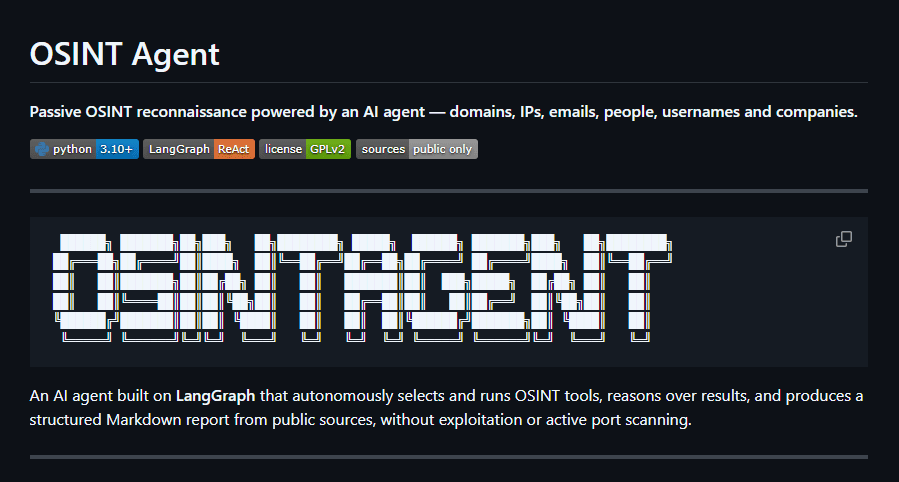
Research automation is useful when a workflow depends on public web data, repeatable collection steps, and structured output. Instead of running one-off scripts, an agent can coordinate sources, normalize results, and prepare a clear report for review.
The goal is not to replace judgment. The goal is to make repetitive discovery work more consistent and easier to validate.
Workflow Design
A practical research automation agent needs a few clear boundaries:
- Approved public data sources
- Explicit inputs and target scope
- Tool calls with logs and retry handling
- Structured output for review
- Human approval before any follow-up action
This keeps the workflow useful without turning it into a black box.
What the Agent Produces
A good first version should produce:
- A normalized list of findings or records
- Source references for each item
- Confidence notes where data is incomplete
- A short executive summary
- A next-step checklist for manual review
These outputs make the agent useful for business research, technical audits, lead enrichment, content operations, and internal analysis.
Implementation Notes
For a production-ready version, I would usually connect the workflow to a small backend API, a database for runs and results, and an admin dashboard for review. LangGraph is useful when the workflow has multiple states, validation steps, and human-in-the-loop decisions.
Security-aware engineering still matters: API keys, rate limits, data retention, permissions, and audit logs should be defined before the agent runs in production.
Next Step
If you need a research automation workflow, start by defining the data sources, the expected output format, and the decisions a human must approve.
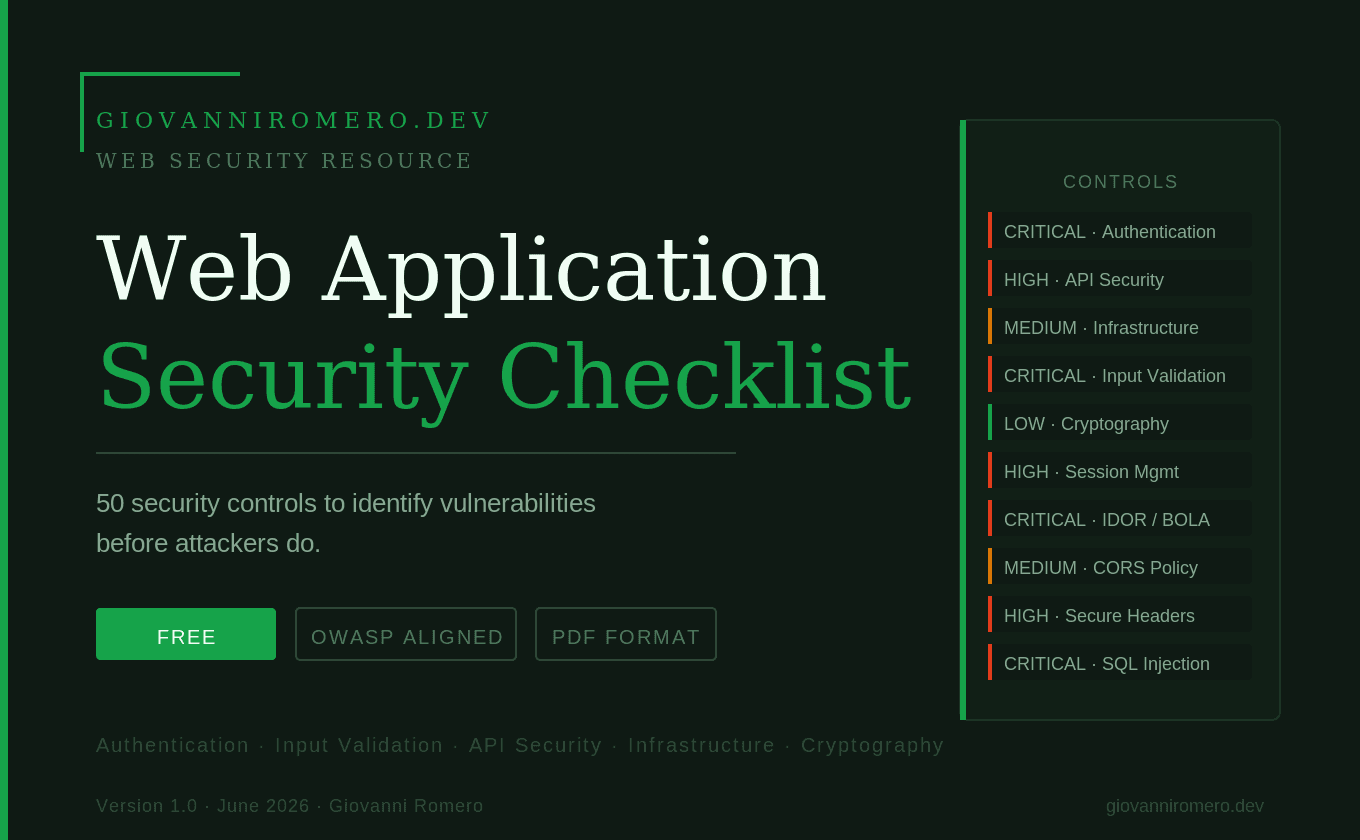
Web Application Security Checklist
50 security controls to identify vulnerabilities before attackers do. Covers authentication, input validation, API security, session management, infrastructure hardening, and cryptography.
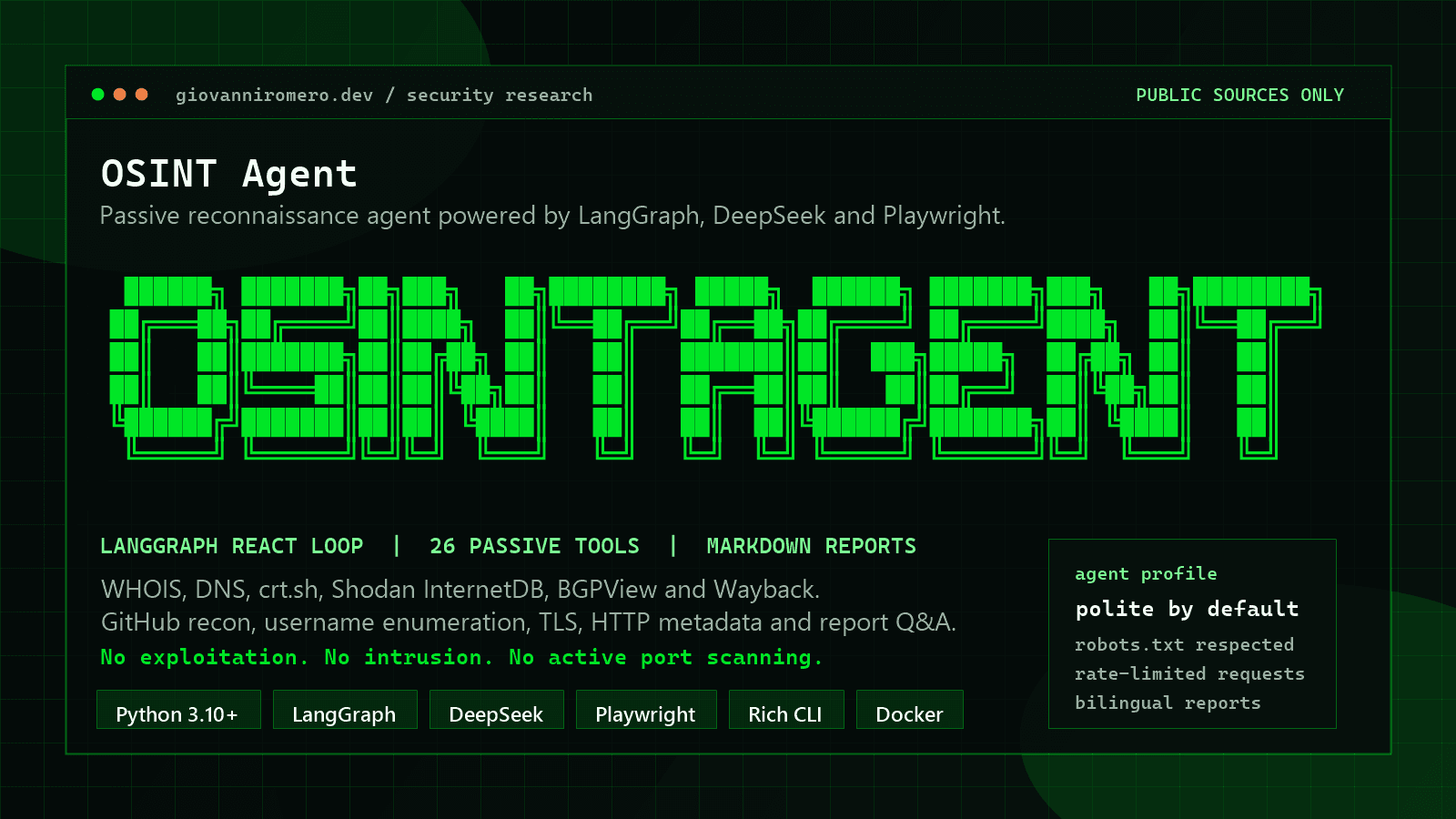
OSINT Agent
A practical starter kit for public-source research, agent-assisted information collection, and repeatable reporting workflows.
Want help applying this in your stack?
I can help translate the operational problem or implementation pattern described here into a practical internal tool or AI system.
No comments yet. Start the conversation with a useful question or insight.
Leave a Reply
Your email address will not be published. Required fields are marked *


Comments 0