 giovanniromero.dev
How to Build a Fast and Scalable REST API with Node.js and Express (Step-by-Step Guide)
Creating a REST API is a fundamental skill for any developer working with web applications. In this guide, we will go through the process of building a REST API using Node.js and Express.js , covering best practices...
Creating a REST API is a fundamental skill for any developer working with web applications. In this guide, we will go through the process of building a REST API using Node.js and Express.js, covering best practices and performance optimizations. Additionally, we will explain each key concept in detail to ensure a comprehensive understanding.
What is a REST API?
A REST API (Representational State Transfer) is an architectural style that allows web services to communicate using HTTP requests. It follows principles such as:
- Statelessness: Each client request to the server must contain all the necessary information to understand the request.
- Resource-based structure: Each API resource is represented by a specific URL.
- Standardized methods:
- GET: Retrieve data.
- POST: Create new resources.
- PUT: Update existing resources.
- DELETE: Remove resources.
Setting Up the Environment
Before starting, ensure you have Node.js installed. If not, download it from nodejs.org.
1. Initialize a Node.js Project
Open a terminal and create a new project directory:
mkdir my-rest-api && cd my-rest-api npm init -y
This command initializes a new project with a package.json file containing the project configuration.
2. Install Required Dependencies
npm install express body-parser cors nodemon
- express: Framework for building web applications quickly and easily.
- body-parser: Middleware to handle JSON request bodies.
- cors: Allows cross-origin requests.
- nodemon: Automatically restarts the server when it detects changes.
Building the API with Express
Create a file named server.js and add the following code:
const express = require('express'); const bodyParser = require('body-parser'); const cors = require('cors'); const app = express(); const port = 3000; app.use(cors()); app.use(bodyParser.json()); const items = [ { id: 1, name: 'Item One' }, { id: 2, name: 'Item Two' } ]; // Get all items app.get('/api/items', (req, res) => { res.json(items); }); // Get a single item by ID app.get('/api/items/:id', (req, res) => { const item = items.find(i => i.id === parseInt(req.params.id)); if (!item) return res.status(404).json({ message: 'Item not found' }); res.json(item); }); // Add a new item app.post('/api/items', (req, res) => { const newItem = { id: items.length + 1, name: req.body.name }; items.push(newItem); res.status(201).json(newItem); }); // Update an existing item app.put('/api/items/:id', (req, res) => { const item = items.find(i => i.id === parseInt(req.params.id)); if (!item) return res.status(404).json({ message: 'Item not found' }); item.name = req.body.name; res.json(item); }); // Delete an item app.delete('/api/items/:id', (req, res) => { const index = items.findIndex(i => i.id === parseInt(req.params.id)); if (index === -1) return res.status(404).json({ message: 'Item not found' }); items.splice(index, 1); res.status(204).send(); }); // Start the server app.listen(port, () => { console.log(`Server running at http://localhost:${port}`); });
Understanding REST in API Development
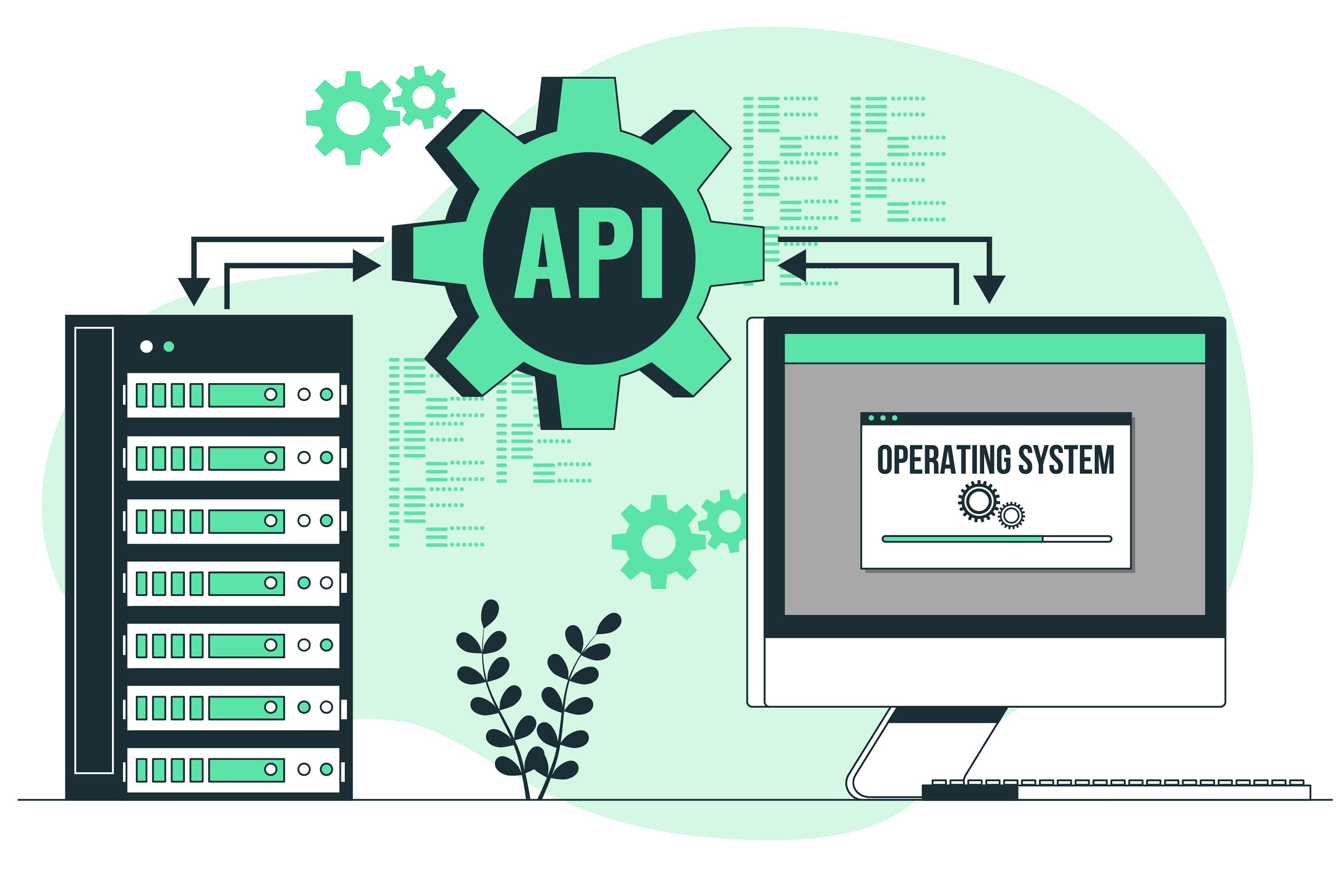
Many developers wonder about the difference between API and REST API. The key difference is that while an API (Application Programming Interface) is a broader term for communication between different software components, a REST API follows REST principles for web-based interaction.
Using dgram for UDP Communication
The dgram module in Node.js enables communication using the User Datagram Protocol (UDP). Unlike HTTP, which is connection-oriented and ensures data delivery, UDP is a connectionless protocol that prioritizes speed over reliability. This makes it useful for applications where low latency is more important than packet confirmation.
When to Use dgram in an API?
- Real-time monitoring systems: IoT sensors that send data continuously without requiring acknowledgment.
- Instant messaging applications: Chats that prioritize fast message delivery.
- Online gaming: Where minimal latency is crucial for a smooth experience.
- Automation networks like Node-RED: Integration with automation systems that rely on fast and lightweight messages.
Implementation Example
const dgram = require('dgram'); const server = dgram.createSocket('udp4'); server.on('message', (msg, rinfo) => { console.log(`Server received: ${msg} from ${rinfo.address}:${rinfo.port}`); }); server.bind(41234, () => { console.log('UDP server listening on port 41234'); });
This code creates a UDP server that listens on port 41234 and receives messages without establishing a persistent connection with clients.
Testing the API
You can test your REST API using Postman or cURL:
curl -X GET http://localhost:3000/api/items
To test methods like POST, PUT, and DELETE, you can send JSON requests using tools like Postman or the REST Client extension for VS Code.
Best Practices for REST APIs
- Data validation: Ensure that incoming data is validated to prevent errors and malicious attacks.
- Error handling: Return appropriate HTTP status codes for each scenario (400, 404, 500, etc.).
- Documentation: Use tools like Swagger to document your API.
- Authentication and security: Implement authentication using JWT or OAuth to restrict access to resources.
Conclusion
Building a REST API in Node.js with Express.js is a powerful way to efficiently manage backend services. With an understanding of REST and the use of dgram for low-latency communications, you can develop robust and scalable solutions for various scenarios.
Want help applying this in your stack?
I can help translate the pattern, workflow, or architecture described here into a practical AI agent, automation, API integration, or full-stack implementation.
Leave a Reply
Your email address will not be published. Required fields are marked *


Comments