 giovanniromero.dev
How to Build Human-in-the-Loop AI Agents with LangGraph
How to Build Human-in-the-Loop AI Agents with LangGraph Learn how to build powerful human-in-the-loop AI agents using LangGraph, tool calling, and stateful workflows. Includes real code examples and production-ready...
How to Build Human-in-the-Loop AI Agents with LangGraph
Learn how to build powerful human-in-the-loop AI agents using LangGraph, tool calling, and stateful workflows. Includes real code examples and production-ready patterns.
Introduction
AI agents are becoming more powerful every month. With frameworks like LangChain and LangGraph, developers can now build systems that reason, act, and interact with tools in real time.
However, there is a major challenge:
Fully autonomous AI systems are difficult to control, debug, and trust.
That is why modern AI architectures are evolving toward Human-in-the-Loop (HITL) systems.
In this guide, you will learn how to build a human-in-the-loop AI agent using LangGraph, including:
- Tool integration
- Stateful workflows
- Execution control
- Debugging and inspection
This is the kind of architecture used in real-world AI systems where safety and control matter.
What is Human-in-the-Loop AI?
Human-in-the-loop AI is a system design approach where a human can intervene during the execution of an AI agent.
Instead of allowing the AI to operate blindly, the system introduces checkpoints where a human can:
- Approve or reject decisions
- Inspect what the agent is doing
- Modify inputs or state
- Debug unexpected behavior
This approach is especially useful in scenarios where mistakes are costly, such as financial systems, automation pipelines, or production AI services.
Setting Up the Environment
We start by configuring our language model. In this example, we use Groq as the inference provider.
from dotenv import load_dotenv load_dotenv() import os from langchain_groq import ChatGroq os.environ["GROQ_API_KEY"] = os.getenv("GROQ_API_KEY") llm = ChatGroq(model="qwen-qwq-32b") result = llm.invoke("Hello")
This sets up the foundation for our AI agent.
Creating Tools for the Agent
AI agents become much more powerful when they can interact with tools instead of only generating text.
Below we define simple arithmetic tools:
def multiply(a: int, b: int) -> int: return a * b def add(a: int, b: int) -> int: return a + b def divide(a: int, b: int) -> float: return a / b tools = [add, multiply, divide]
These tools allow the agent to perform real operations instead of guessing results.
Binding Tools to the LLM
Next, we connect these tools to the language model:
llm_with_tools = llm.bind_tools(tools)
Now the model can decide when to call a tool and when to respond directly.
Building a Stateful Agent with LangGraph
LangGraph allows us to define AI workflows as a graph structure, where each node represents a step in the agent’s execution.
Step 1: Define system behavior
from langchain_core.messages import SystemMessage sys_msg = SystemMessage( content="You are a helpful assistant tasked with performing arithmetic on a set of inputs." )
Step 2: Create the assistant node
def assistant(state): return { "messages": [ llm_with_tools.invoke([sys_msg] + state["messages"]) ] }
Step 3: Build the graph
from langgraph.graph import StateGraph, START from langgraph.prebuilt import tools_condition, ToolNode from langgraph.graph import MessagesState builder = StateGraph(MessagesState) builder.add_node("assistant", assistant) builder.add_node("tools", ToolNode(tools)) builder.add_edge(START, "assistant") builder.add_conditional_edges( "assistant", tools_condition, ) builder.add_edge("tools", "assistant")
At this point, we already have a working AI agent capable of using tools.
Adding Human-in-the-Loop Control
Now we introduce the most important feature: human control.
from langgraph.checkpoint.memory import MemorySaver memory = MemorySaver() graph = builder.compile( interrupt_before=["assistant"], checkpointer=memory )
This configuration allows us to pause execution before the assistant runs.
What This Enables
With this setup, you can:
- Pause the agent before it takes action
- Inspect the internal state
- Modify the input or messages
- Approve or reject execution
This transforms a fully autonomous agent into a controlled system.
Running the Agent
from langchain_core.messages import HumanMessage thread = {"configurable": {"thread_id": "123"}} initial_input = { "messages": HumanMessage(content="Multiply 2 and 3") } for event in graph.stream(initial_input, thread, stream_mode="values"): event['messages'][-1].pretty_print()
This runs the agent step-by-step while allowing interruptions.
Inspecting Agent State
One of the biggest advantages of this architecture is visibility.
state = graph.get_state(thread)
You can also inspect the execution history:
graph.get_state_history(thread)
This makes debugging dramatically easier compared to traditional AI pipelines.
Understanding the Architecture
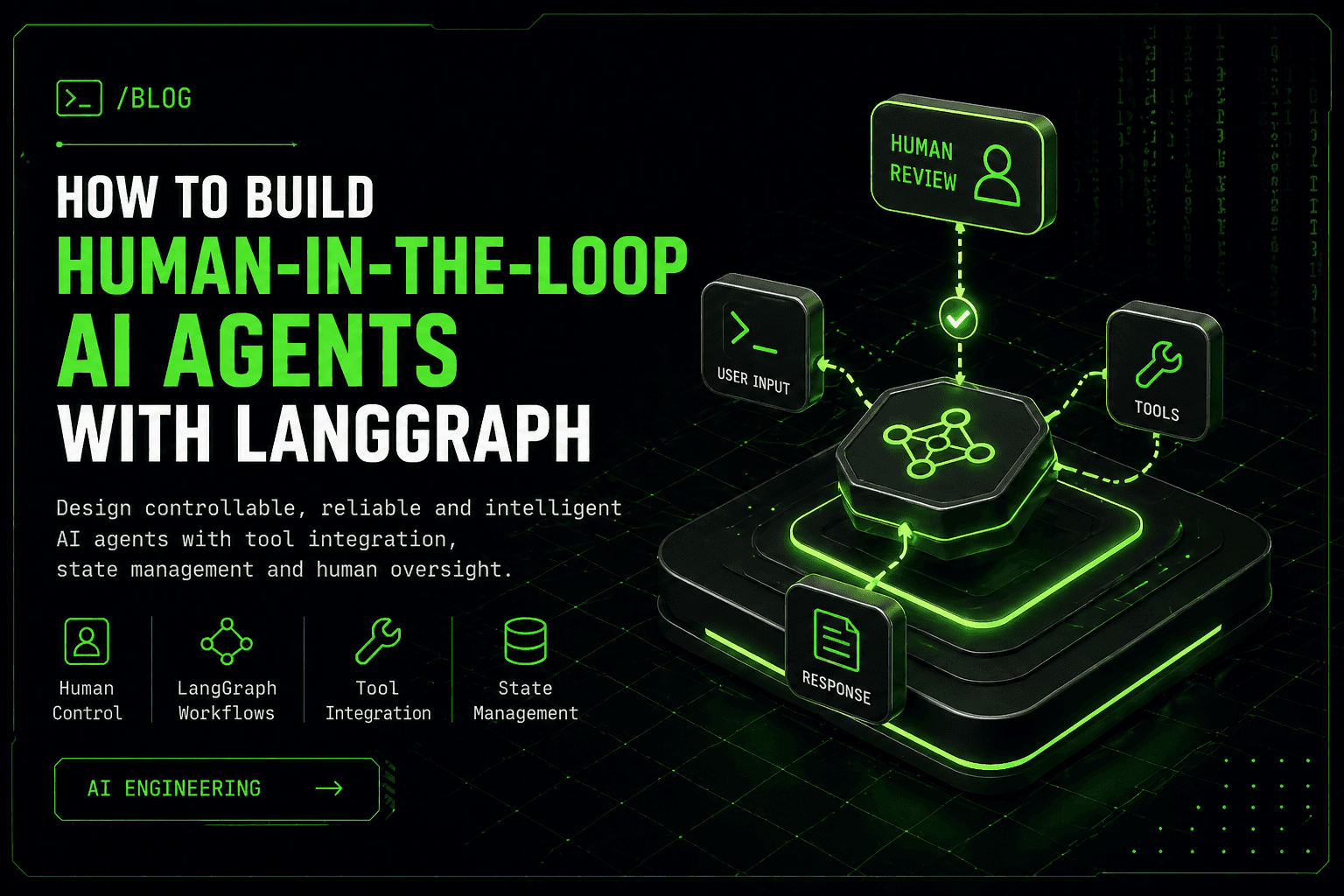
The execution flow typically follows this pattern:
The user sends an input to the agent. The assistant evaluates the request. The agent decides whether to use a tool. The system executes the tool if needed. The cycle repeats.
At any point, the human can interrupt and take control.
Why Human-in-the-Loop AI Matters
Human-in-the-loop systems provide a level of reliability that autonomous systems cannot guarantee.
They allow developers to build AI systems that are safer, easier to debug, and more adaptable.
This is especially important in production environments where errors can have real consequences.
Real-World Use Cases
Human-in-the-loop AI agents are used in many practical scenarios.
In trading systems, they allow humans to approve or reject transactions before execution.
In developer tools, they help validate code suggestions before applying changes.
In automation workflows, they act as checkpoints before critical operations.
In data pipelines, they ensure data quality before processing continues.
Production Tips
If you plan to use this architecture in production, consider the following:
Store the agent state in a persistent database such as PostgreSQL or Redis.
Build a simple user interface to approve or reject actions.
Log all decisions and actions taken by the agent.
Implement retry mechanisms and fallback strategies.
Connect your agent to real-world APIs for more advanced use cases.
Conclusion
Human-in-the-loop AI is not just a feature. It is a fundamental design pattern for building reliable AI systems.
With LangGraph, you can create agents that are not only powerful but also controllable and safe.
If you are building serious AI applications, this approach is essential.
FAQ
What is LangGraph?
LangGraph is a framework for building stateful AI workflows using graph-based execution.
What is Human-in-the-Loop AI?
It is a system where a human can intervene in the decision-making process of an AI agent.
When should I use this approach?
You should use it whenever control, safety, or correctness is important.
Can this be used in production?
Yes. In fact, it is highly recommended for production systems.
Next Steps
You can extend this project by:
Adding a user interface for approvals Connecting real APIs Deploying the agent as a backend service Integrating it with your own projects

Want help applying this in your stack?
I can help translate the pattern, workflow, or architecture described here into a practical AI agent, automation, API integration, or full-stack implementation.
Leave a Reply
Your email address will not be published. Required fields are marked *

Comments